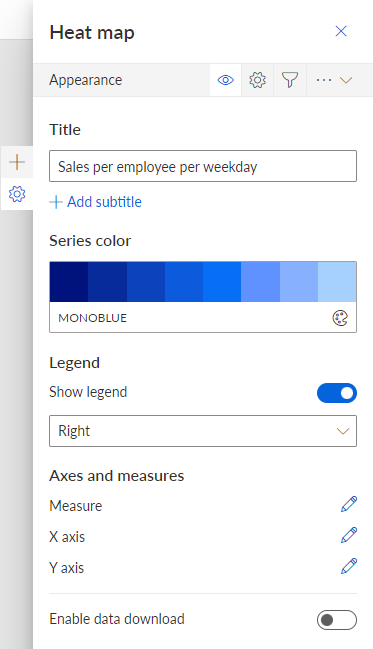
Configure the widget appearance
You can configure the appearance of the widget, for example, the title of the widget, the title of the axes, the color, etc.
Depending on the widget type, different options are available in the configuration panel. For more details, see the Widgets chapter.
Prerequisites
You have already assigned a data source to the widget.
Procedure. Procedure
Click a widget on the dashboard. The
 Setup panel of the widget is displayed.
Click
 Appearance.
Make your settings.
Click the
 icon -> Save.
Your settings are applied. The widget is displayed based on your specified settings.
Example 142.
Panel to configure the appearance of the Heat map widget.