Select an existing data feed
You can select an existing data feed as a data source.
Procedure. Procedure
On the dashboard, click the widget for which you want to select a data feed as a data source. The
 Setup panel of the widget is displayed.
Click Select in the Data source box. The Data source panel opens.
Click Data feeds. The panel for selecting a data feed opens.
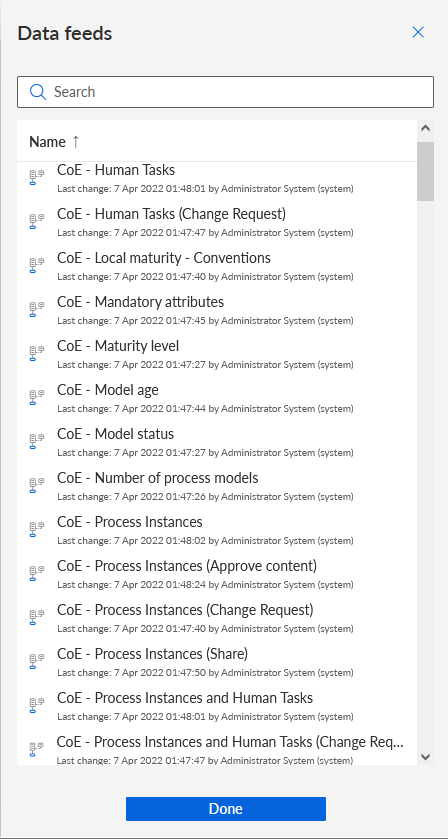
Select a data feed.
Click Done.
You have assigned a data feed as the data source.
A corresponding data feed with the selected data source is automatically created. You can edit the date feed. Click Edit in the Data source box in the Setup panel.
You can now specify the data to display in the widget.