Enable role-based highlighting
In  My content, you can select a role filter to restrict the contents of a database to those items in which the role is involved. Additionally, you can highlight these model items in the Diagram fact sheet to focus on certain model content, for example for monitoring purposes.
Procedure. Procedure
Click
 Application launcher > My content.
Add a Role filter, for example Accountant.
In the results list, click the relevant process. Published content is opened.
Activate the Diagram fact sheet.
Click
 Highlighting. The Highlighting bar is opened.
Click
 On in the Highlighting bar.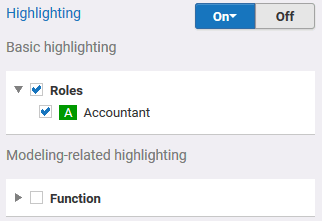
All Accountant role objects are highlighted in the model. For detailed information on highlighting, refer to Highlight model items.